
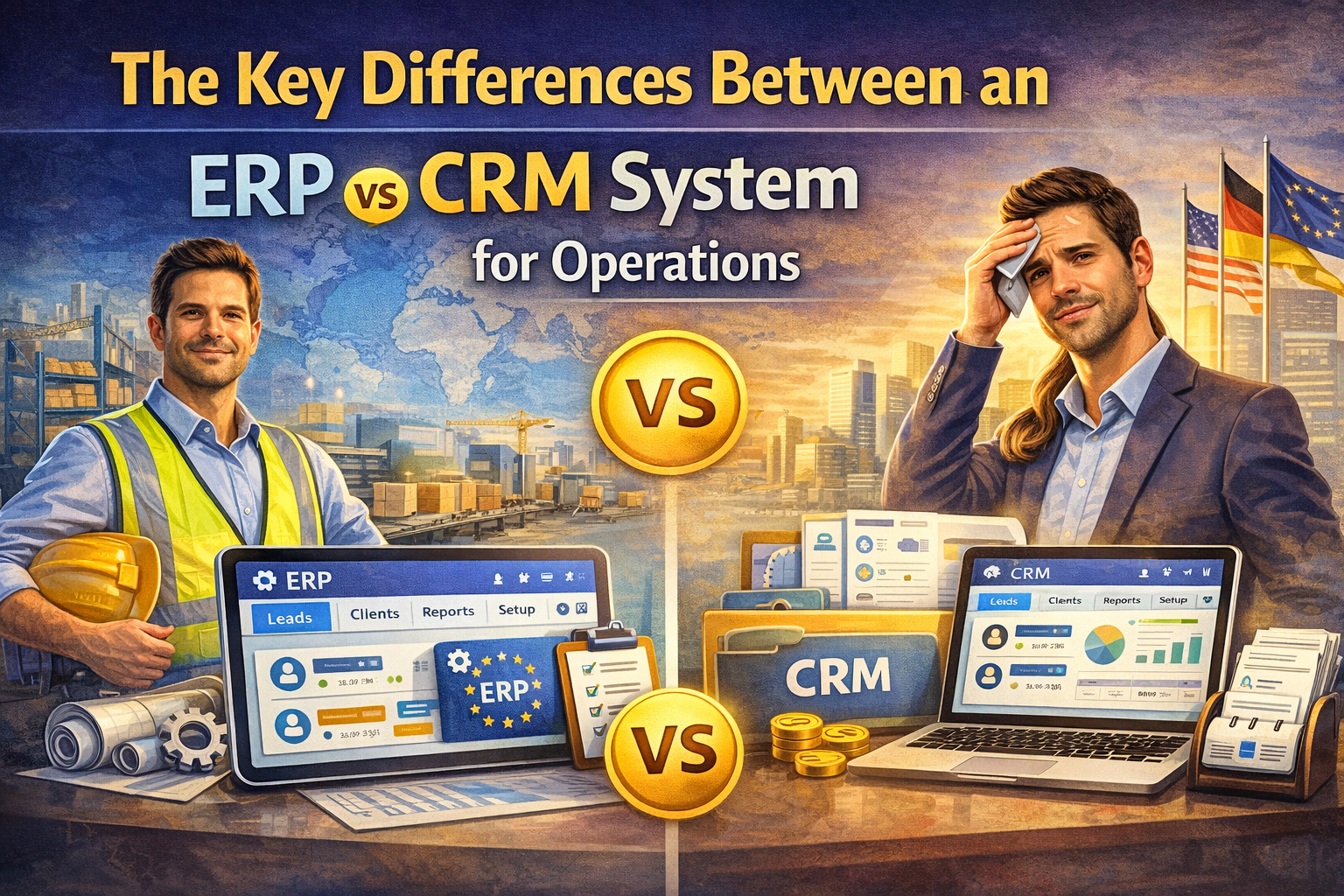
Confused about an ERP vs CRM system? Learn the key differences in functionality, cost, and focus to choose the right software for your business operations.
Table of Contents
If you have ever sat in a management meeting and felt like the sales team and the accounting department are speaking two different languages, you aren’t alone. One side is shouting about lead volume and conversion rates, while the other is worried about supply chain bottlenecks and payroll overhead. It is a classic tug-of-war. Usually, at the center of this tension is a fundamental question about infrastructure: do we need an ERP vs CRM system to get this mess under control?
Choosing the right software backbone is one of those high-stakes decisions that keeps business owners up at night. Pick the wrong one, and you’re stuck with a multi-year subscription and a team that refuses to use the software because it makes their lives harder. I’ve seen companies try to force their sales teams to use an accounting tool for prospecting, and I’ve seen warehouses try to manage inventory on a sales dashboard. It never ends well. Understanding the core identity of an ERP vs CRM system is the first step toward operational sanity.
The Front Office Powerhouse: What is a CRM?
Let’s start with the “people person” of the software world. A Customer Relationship Management (CRM) system is built for the front office. Its primary job is to track every interaction your business has with a lead or a client. If your goal is to increase sales, improve customer retention, and manage marketing campaigns, you are firmly in CRM territory.
When people compare an ERP vs CRM system, they often overlook that a CRM is designed to be fast and flexible. It’s where a salesperson logs a phone call, sets a follow-up reminder, and moves a deal through a pipeline. It focuses on the “Revenue” side of the profit-and-loss statement. A CRM doesn’t really care how the product is made; it just cares that someone is buying it.
The Back Office Backbone: What is an ERP?
Now, let’s look at the “engine room.” Enterprise Resource Planning (ERP) is a much broader, more complex beast. While the CRM is looking outward at the customer, the ERP is looking inward at the company. It manages everything from human resources and payroll to manufacturing, supply chain, and deep financial accounting.
In the debate of ERP vs CRM system, the ERP is the heavy lifter. It ensures that when a sale is made, the inventory is deducted, the shipping label is generated, and the revenue is recorded in the general ledger. It is about business process management and operational efficiency. If the CRM is the heartbeat of your sales, the ERP is the nervous system of your entire organization.
Key Differences in Focus and Scope
The most relatable way to think about an ERP vs CRM system is through the lens of the customer journey. The CRM handles the “dating” phase—the flirting, the first dates, and the proposal. The ERP handles the “marriage”—the joint bank accounts, the mortgage, and making sure the lights stay on.
- User Base: Sales and marketing teams live in the CRM. Finance, HR, and operations teams live in the ERP.
- Primary Goal: CRMs aim to increase the volume of sales. ERPs aim to reduce the cost of operations and improve resource allocation.
- Data Type: CRMs hold qualitative data (customer preferences, sentiments, and history). ERPs hold quantitative data (stock levels, hours worked, and line-item expenses).
When Do You Need an ERP vs CRM System?
Most small businesses start with a CRM. Why? Because you can’t manage a business if you don’t have any customers. You need a way to track leads and close deals before you need a complex system to manage your global supply chain. However, as you scale, the cracks start to show.
If your sales team is promising delivery dates that your production team can’t meet because they didn’t know the parts were out of stock, you have a classic ERP vs CRM system conflict. You have a “front office” that is disconnected from the “back office.” At this point, you either need to integrate your CRM with a new ERP or look for an all-in-one suite.
The Financial Impact: Cost and Complexity
I’ll be honest with you: ERPs are expensive. They take longer to implement, require more training, and often involve a significant change in how your employees do their daily work. A CRM can often be set up in a weekend with a credit card and some basic data importing.
When evaluating an ERP vs CRM system, you have to consider the total cost of ownership. An ERP is a massive investment in your long-term infrastructure. According to experts at Gartner, successful ERP implementations can take anywhere from six months to two years. A CRM, by contrast, is a much more agile tool that provides a faster return on investment through immediate sales improvements.
Can One Replace the Other?
This is a question I get all the time. “Can’t I just use the CRM module in my ERP?” Or, “Can my CRM handle my invoicing?” The answer is usually: yes, but not very well.
Most modern ERPs come with a “lite” CRM module. For a basic business with a simple sales cycle, that might be enough. But if you have a high-performance sales team that needs advanced automation and deep marketing integrations, a “lite” module will feel like a straightjacket. Conversely, trying to run your payroll or tax compliance through a CRM is a recipe for a massive headache and potential legal trouble. The ERP vs CRM system choice isn’t always “either/or”—for many large companies, it’s “both.”
Integration: The Holy Grail of Operations
The magic happens when these two systems talk to each other. When your ERP vs CRM system are synced, your sales rep can see in real-time if a product is in stock before they promise it to a client. Your accounting team can see a “won” deal in the CRM and automatically generate an invoice in the ERP.
This level of data synchronization eliminates manual data entry, which is where most human errors occur. It creates a “single source of truth.” For a deeper dive into how these architectures have evolved over the decades, Wikipedia’s page on ERP provides a great historical context on the move from simple accounting to integrated systems.
Identifying the Right Fit for Your Niche
Your industry dictates which side of the ERP vs CRM system coin is more important.
- Manufacturing: You need an ERP first. You can’t function without tracking raw materials and production schedules.
- Professional Services: A CRM is your priority. Your “inventory” is your time and your relationships.
- Retail/E-commerce: You likely need a tight integration of both to manage high-volume transactions and shipping.
The Learning Curve and Staff Buy-in
Never underestimate the human element. Change is hard. When you introduce a new ERP vs CRM system, you are asking people to change their habits. CRM buy-in is usually easier because it helps sales reps make more money. ERP buy-in is harder because it often requires more “data discipline” from people who are already busy.
During the selection process, bring in the people who will actually be using the software. A manager might love the reports an ERP generates, but if the shop floor workers find it impossible to log their hours, the data will be garbage anyway.
Summary of the Battle: ERP vs CRM System
To wrap it up, remember that these tools have different souls. The CRM is the optimist—it’s about growth, potential, and the future. The ERP is the realist—it’s about costs, constraints, and the bottom line.
- CRM: External focus, sales growth, customer satisfaction.
- ERP: Internal focus, operational efficiency, financial accuracy.
If you find that your departments are siloed and your data is a mess, it’s time to audit your current ERP vs CRM system setup. You might be outgrowing your “startup” tools and moving into “enterprise” territory.
FAQ Section
1. Does every business need both an ERP and a CRM? No. Many small businesses or service-based freelancers can survive perfectly well with just a CRM. However, once you have complex inventory, multiple departments, or a large physical staff, the need for an ERP becomes much more pressing to maintain workflow optimization.
2. Which one should I buy first? If your biggest problem is “not enough sales,” get a CRM. If your biggest problem is “we can’t keep track of the sales we already have,” or “we don’t know if we are actually making a profit,” get an ERP. The ERP vs CRM system priority depends entirely on your current bottleneck.
3. Are there all-in-one systems that do both? Yes, companies like Oracle, SAP, and Microsoft offer suites that cover both. While convenient, these are often more expensive and complex to implement than choosing “best-of-breed” individual systems and connecting them.
4. How long does it take to see a return on investment? A CRM often shows ROI within a few months through better lead tracking. An ERP takes longer—often a year or more—because the benefits come from long-term cost savings, reduced waste, and better financial reporting.
5. Is the data in an ERP vs CRM system secure? Both systems house sensitive data, but ERPs are generally more heavily guarded due to financial and payroll information. Most modern cloud providers for both ERP vs CRM system options offer high-level encryption and multi-factor authentication.
Conclusion
Navigating the world of business software can feel like a maze, but the ERP vs CRM system distinction is your compass. Don’t let a salesperson talk you into a massive ERP if all you really need is a better way to track your sales calls. Similarly, don’t try to “hack” your CRM to manage your manufacturing floor.
